

Introduction
The Package Settings page lets you turn the prepaid packages feature on for your location and set the expiry period that pre-fills on new packages. Prepaid packages let clients pay upfront for a bundle of sessions at a discounted rate.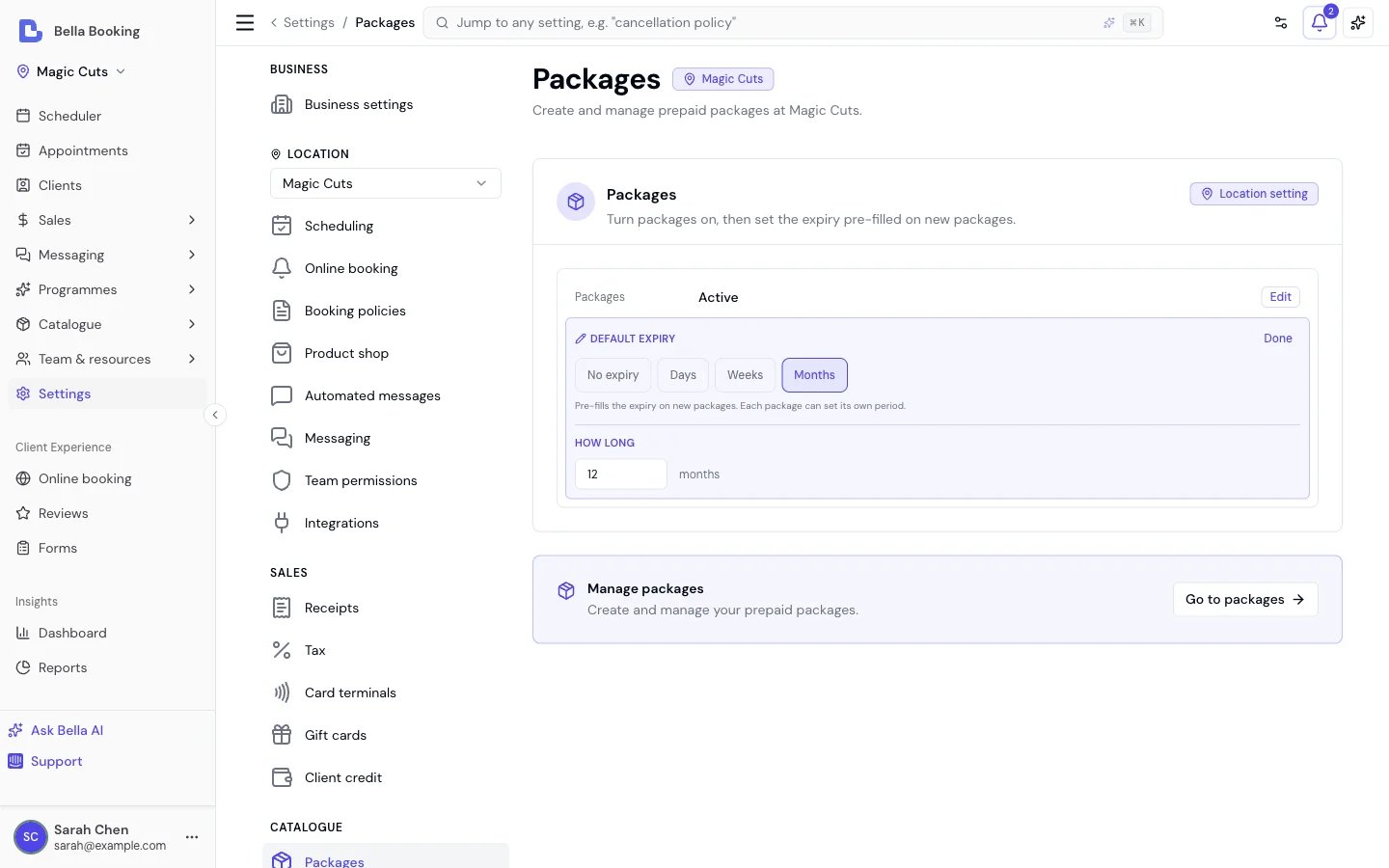
Accessing Package Settings
- Go to Settings in the sidebar
- Click Packages
Enabling Packages
- Click the Packages row and choose Active
- Click Apply in the bar at the bottom of the screen
- The Packages page appears under Catalogue in the sidebar
- The Sold packages page appears under Sales in the sidebar
- The Add package button is available in the sales form
- Packages marked Allow Online Purchase are visible on the online booking portal
- The sidebar items are hidden
- The packages page shows a disabled state with a link back to settings
- The Add package button is hidden from the sales form
- The Packages page is hidden from the online booking portal
- Existing sold packages are unaffected - they retain their status and can still be viewed
Default Expiry Period
Set a default expiry period that pre-fills when you create a new package.- Click the Default expiry row
- Choose Days, Weeks or Months, then set the number under How long
- Click Apply in the bar at the bottom of the screen
FAQs
Q: Can I disable packages after selling some? A: Yes. Disabling hides the feature from the sidebar and sales form, but existing sold packages retain their status. Active packages can still be redeemed at checkout. Q: Does changing the default expiry affect existing packages? A: No. The default expiry only pre-fills the form when creating new packages. Existing package definitions and sold packages keep their original expiry settings.To learn how to create, sell, and manage prepaid packages, see Prepaid Packages.